
 France
CLOUD GAMING, ON YOUR TERMS
Play beyond
your hardware.
Big adventures. Late-night favorites. One more run.
Your PC games, streamed straight to your browser.
New sign-ups are temporarily closed.Sign in ↗
Regions
GPU availability varies by location.
Europe
FranceFranceParis
 Finland
Helsinki
North America
 Canada
Quebec
 United States
Central US
YOUR LIBRARY. YOUR RULES.Keep the games.
Keep the games.
Lose the hardware limit.
We bring the GPU. You bring the games you own.
Sign in to your stores inside your cloud PC, install a supported title, and make yourself at home.
 STEAM
STEAM EPIC GAMES
 Battle.net
 EA app
 UBISOFT CONNECT
Controller or keyboard & mouse. Your call.
Games sold separately. Store access is not a guarantee of game compatibility.
A DIFFERENT WAY TO DROP INIn development
Instant Play
Straight to the game.
Not the download.
Some nights, you just want to pick a game and disappear into it. That's what we're building Instant Play for.
Choose from a curated library of prepared games, sign in to your own store account inside a private session, and play—without reinstalling the full game each time.
- Games prepared on our side
- Your own store account and game license
- Your own private gaming session
 CATALOG CONCEPT · NOT LIVE
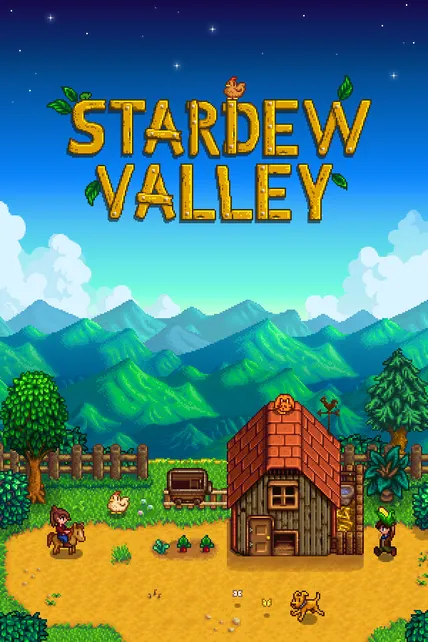
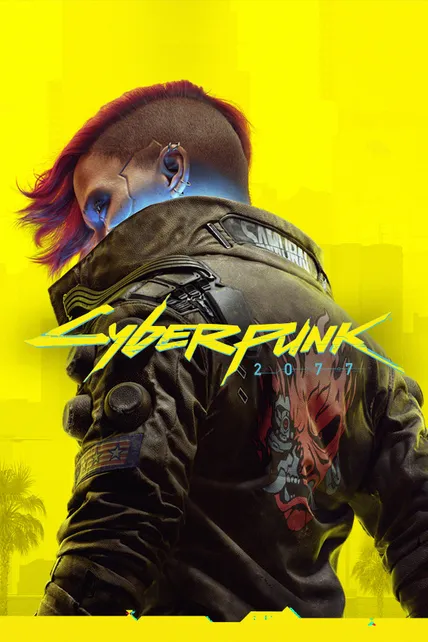
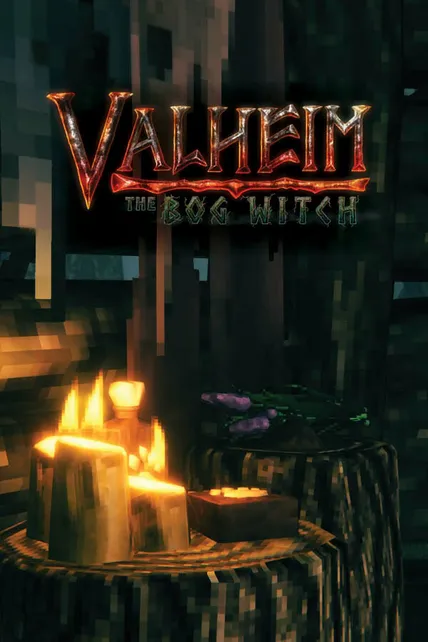
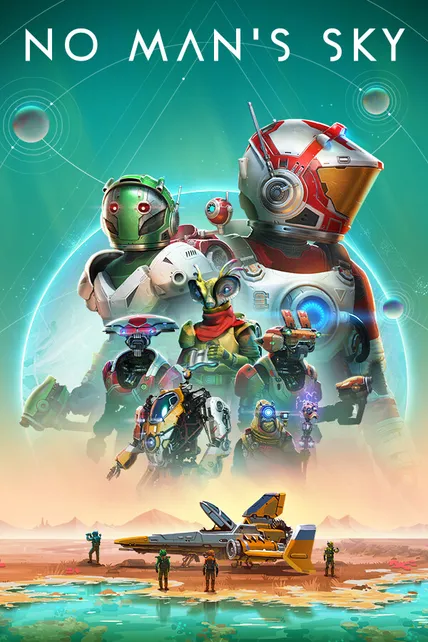
FIND YOUR NEXT ESCAPEABZÛSample title · Adventure
A DIFFERENT KIND OF WORLDINSIDESample title · Puzzle adventure
↗Illustrative catalog concept, not a list of published or launchable games.
- 01Pick a prepared game
Browse the supported catalog when Instant Play becomes available.
- 02Sign in to your store
Use your own account and license inside your isolated session.
- 03Play, without the full install
Prepared game files mean less setup before you get into your game.
Not available to launch yet.Catalog, regional availability, and pricing will be shown before launch. Store sign-in time in a ready session is billed. Games are not included.
THE POWER IS YOUR CHOICE
Pick your kind of session.
No monthly commitment. Choose a setup,
check availability, and pay from your USD wallet.
EXPLORE YOUR SETUP
All the GPU. All yours.
A private GPU for your session. Pick your exact region at launch.
GPU reserved for youChoose your locationKeep games installed where available
ONE-HOUR BLOCK$0.75 USD
Continue to Dedicated setup Optional persistent storage where supported: $0.15/GB/month, billed separately. Central US uses session-only storage. This price explorer does not reserve hardware. Confirm your GPU, location and price in the launcher before starting a session.
NO SURPRISES
Billed in one-hour blocks once your session is ready. Partial hours round up. Queue and provisioning time are not billed. Availability is checked at launch. Your wallet balance doesn’t expire.
FROM BROWSER TO GAMELess setup.
Less setup.
More “one more.”
No gaming PC to build.
No DpadPlay client to install.
Open your browser.
Bring your favorite controller.
Bring your favorite controller.
- 01
Choose your cloud PC
Pick Dedicated or Shared, then set your location, performance, and stream. Optional persistent storage is available on supported Dedicated setups.
- 02
Add funds. Stay in control.
Top up your USD wallet. You'll need enough for at least one hour of your chosen setup.
- 03
Sign in. Install. Play.
Open the stream, sign in to your own game store, and install a supported game. Store login and installation time count as session time.
BEFORE YOU PRESS PLAY
Good to know.
A few straight answers
before your first session.
What do I need to play?+
You need a DpadPlay account, a browser and an internet connection, plus a keyboard and mouse or a compatible controller. Bring your own store account and a license for any paid game. Your USD wallet needs enough funds for at least one hour of your chosen setup. Game compatibility and streaming quality vary by title, connection, and distance from the region.
Can I play every PC game?+
No. Compatibility depends on the game, its launcher, DRM, and anti-cheat requirements. Artwork here is for discovery, not a compatibility guarantee. You must own any paid game you play.
What is the difference between Dedicated and Shared?+
Dedicated reserves a GPU for you and lets you choose your exact region. Shared uses a GPU for two or three players, each with a separate private session. Shared placement is automatic within your selected continent.
When does billing start?+
When your cloud session is ready. Usage is charged in one-hour blocks, with any partial hour rounded up. Store sign-in, installation, and other time inside the ready session are billed. Finding players and provisioning are not billed.
Will my games still be there next time?+
On supported Dedicated setups, an optional persistent drive keeps installed games between sessions for $0.15 per GB/month. It remains tied to its region. Temporary storage, including all Shared storage, is removed after the session. Game cloud saves depend on the title and store.
Where can I play?+
DpadPlay offers locations in Europe and North America, including Gravelines, Paris, Helsinki, Quebec, and Central US. GPU availability and storage support vary by location. Your connection and distance from a region affect streaming quality.
How is Instant Play different from a Cloud PC?+
A Cloud PC lets you choose hardware and install supported games from your own stores. Instant Play is the upcoming game-first option: a curated catalog with game files prepared ahead of time. It still requires your own game license and store sign-in. Instant Play is in development and cannot be launched yet.
Can I create an account right now?+
New sign-ups are temporarily closed. Existing users can sign in.
MAKE ROOM FOR PLAYThe PC is in the cloud.
The PC is in the cloud.
The next move is yours.
Find your cloud PC No subscription. Your games. Your session.